$ free ai ascii art generator
Draw anything.
In text characters.
Turn a prompt or a photo into ASCII art — classic keyboard glyphs, block shading, braille dots, glowing phosphor — then edit it, upscale it, or animate it into a clip.
~/explorefresh from the community
ls --all →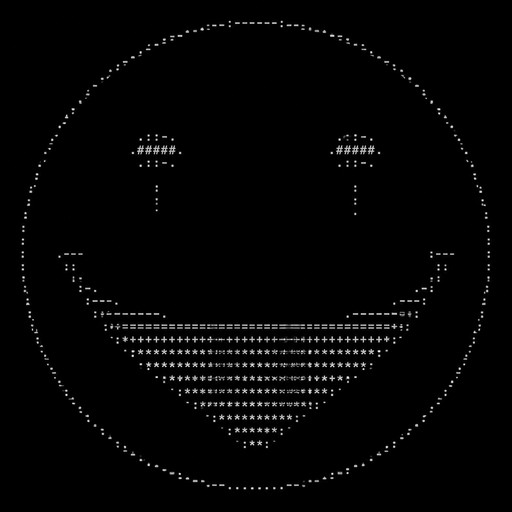
Create the iconic Red John smiley face symbol from The Mentalist, exactly like the simple smiley face Red John draws on walls at crime scenes. Only one large, perfectly round circle. Inside the circle: two simple dark eyes and one extremely wide, curved, sinister smiling mouth. The design must be minimalist and recognizable, not a realistic human face. Add one or two tiny tear drops beneath the eyes. No head, no hair, no ears, no nose, no realistic facial features, no background, no text. Convert it entirely into ASCII art using only keyboard punctuation characters. Make the circle large and horizontally wide. Keep every single character strictly inside the circular outline. The final result should look like a clean, hand-drawn Red John smiley symbol made entirely from punctuation marks, with dense but simple ASCII detail. Maximum 1000 characters.
![Create a highly detailed ASCII art portrait of Red John from The Mentalist, showing only his iconic smiling face. Make the face a large, perfectly circular shape with no elements extending outside the circle. Use only standard keyboard punctuation and ASCII characters such as . , : ; ' " - _ ( ) [ ] { } / \ | + * # @. The face should be wide rather than tall, with realistic facial proportions, clearly defined eyes, eyebrows, nose, cheeks, and Red John's distinctive wide, unsettling smile. Add 1 or 2 tiny tear drops falling from the eyes. Use dense shading and many different ASCII characters to create realistic depth, shadows, wrinkles, and facial details. Keep everything strictly inside the circular outline. No text, no background, no body, no hair outside the circle, no symbols outside the circle. Maximum 2000 characters. The final result must look like detailed, realistic ASCII art rather than a simple emoticon.](https://media.asciiart.com/888f0d3d-2a0a-4fb5-9132-5815e1581803-thumbnail.jpg)
Create a highly detailed ASCII art portrait of Red John from The Mentalist, showing only his iconic smiling face. Make the face a large, perfectly circular shape with no elements extending outside the circle. Use only standard keyboard punctuation and ASCII characters such as . , : ; ' " - _ ( ) [ ] { } / \ | + * # @. The face should be wide rather than tall, with realistic facial proportions, clearly defined eyes, eyebrows, nose, cheeks, and Red John's distinctive wide, unsettling smile. Add 1 or 2 tiny tear drops falling from the eyes. Use dense shading and many different ASCII characters to create realistic depth, shadows, wrinkles, and facial details. Keep everything strictly inside the circular outline. No text, no background, no body, no hair outside the circle, no symbols outside the circle. Maximum 2000 characters. The final result must look like detailed, realistic ASCII art rather than a simple emoticon.
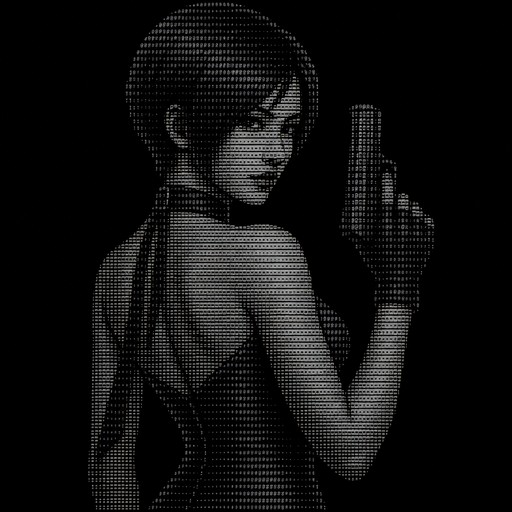
ada wong resident evil
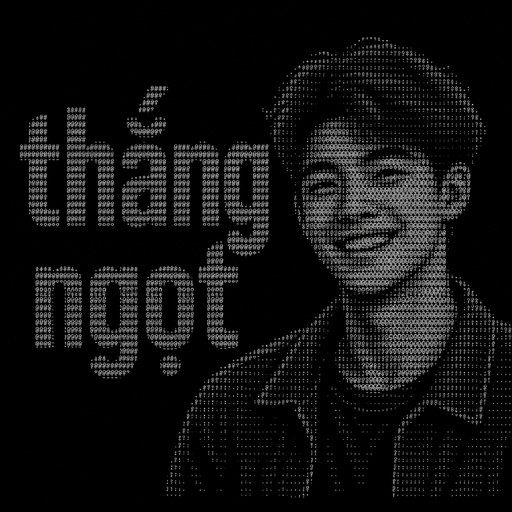
thắng ngọt
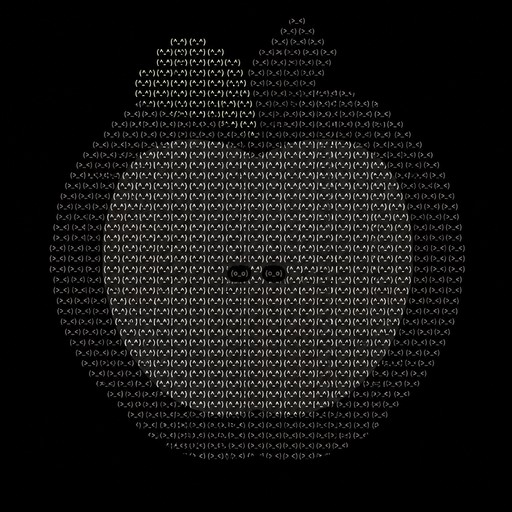
ASCII art of a monochrome face-like figure in a circular pattern
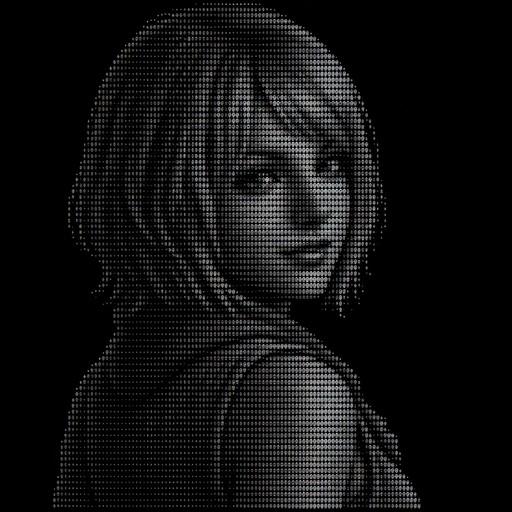
ashly graham RE4
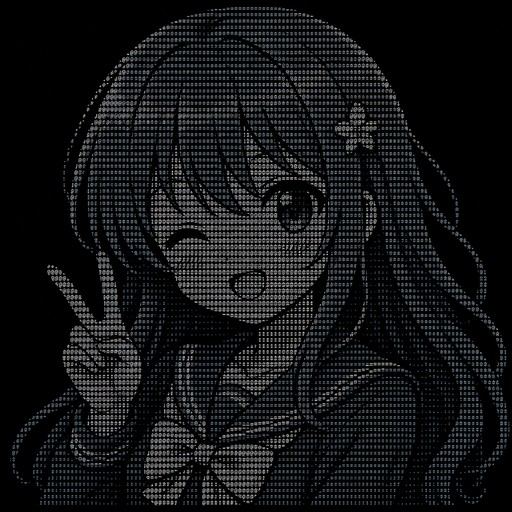
Cute anime girl with blue hair
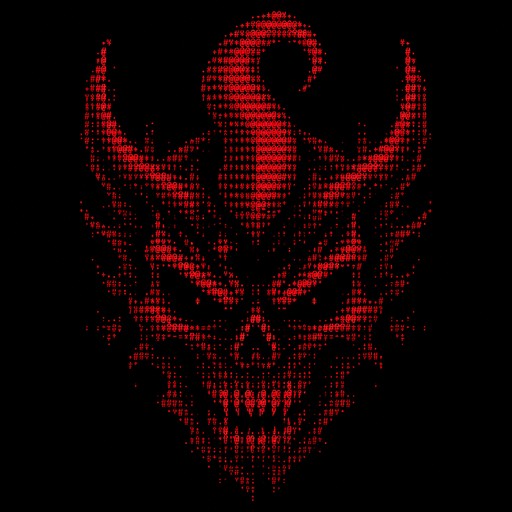
Create a professional square 1:1 logo artwork based directly on the provided reference image. IMPORTANT: Recreate the SAME visual identity and composition as the reference. Do not reinterpret the concept, do not redesign the demon, and do not add new elements. CANVAS: - Aspect ratio: 1:1 - Square composition - Resolution: ultra high resolution - Background: completely pure matte black (#000000) - No background texture - No environment - No border - No frame - No watermark MAIN SYMBOL: Place a large demonic skull/devil-head emblem exactly in the upper-center portion of the canvas. The demon should have a very dark, sinister appearance, constructed almost entirely from black negative space and highly saturated red pixel-art outlines. STYLE: - Dark cyberpunk - Demonic hacker aesthetic - Aggressive red-and-black identity - High-end gaming/esports logo - Retro pixel-art influence - CRT/glitch aesthetic - Low-resolution pixel construction - Sharp geometric edges - Deliberately chunky pixels - Distressed digital texture - Strong contrast - Minimalist composition DEMON HEAD: The demon's head is approximately centered horizontally. The silhouette should be symmetrical but intentionally rough and corrupted. The majority of the interior face is almost completely black. Use dark crimson and bright red pixels to define: - forehead - temples - cheekbones - jaw - horns - eye sockets - mouth - teeth - outer silhouette The outer contour should contain irregular, sharp, flame-like and angular protrusions. HORNS: The demon has prominent devil-like horns. On the left and right sides of the upper head, create sharp upward-pointing horn structures with jagged pixelated edges. The most distinctive feature is the large CENTRAL CURVED HORN rising from the top of the forehead. The central horn: - starts around the center of the forehead - rises vertically - curves dramatically near the top - bends forward/inward like a hook - has a thick pixelated structure - is bright crimson/
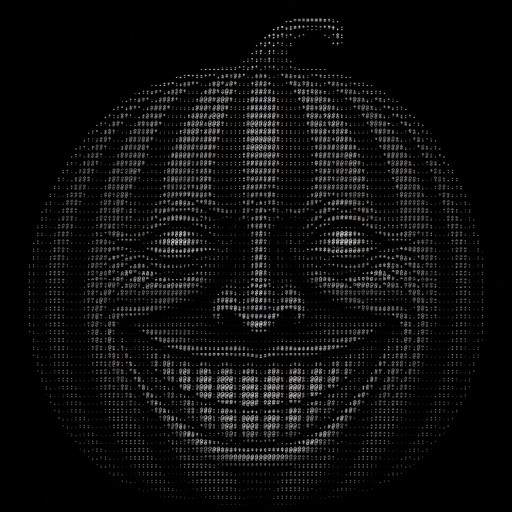
Monochrome ASCII art portrait of a smiling person’s face.
Monochrome ASCII-style drawing of a round lollipop with textured swirls.
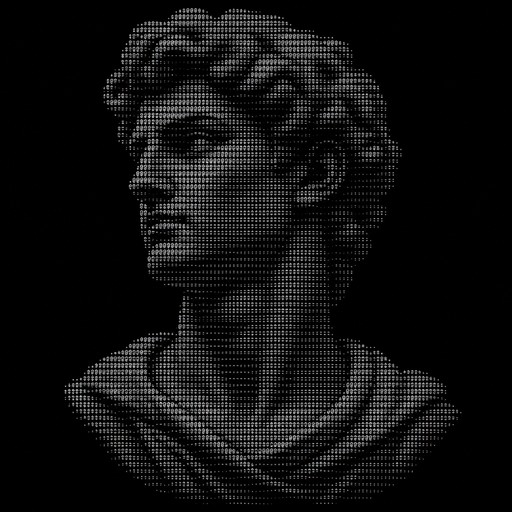
Grayscale ASCII art portrait of a classical sculpture head and shoulders
Monochrome ASCII art of a rearing horse-like animal in a forest.
I'd like a two-tiered cake with twelve candles on it, with balloons and such alongside it, and a "Happy Birthday" sign on the very top.
Cute anime girl with blue hair
a coding merit badge
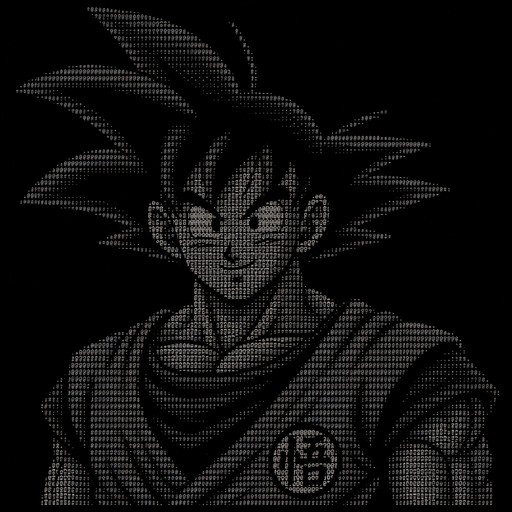
Goku
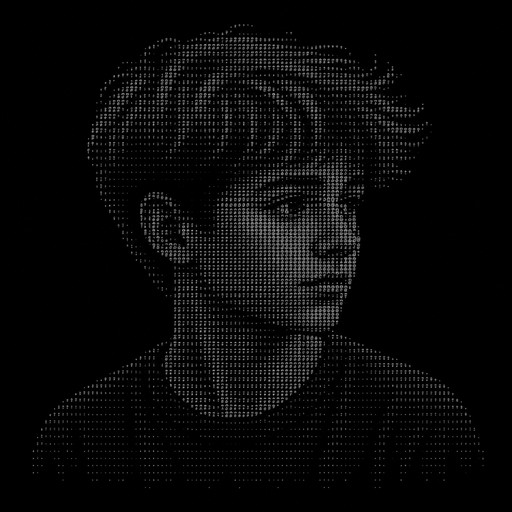
мой мальчик
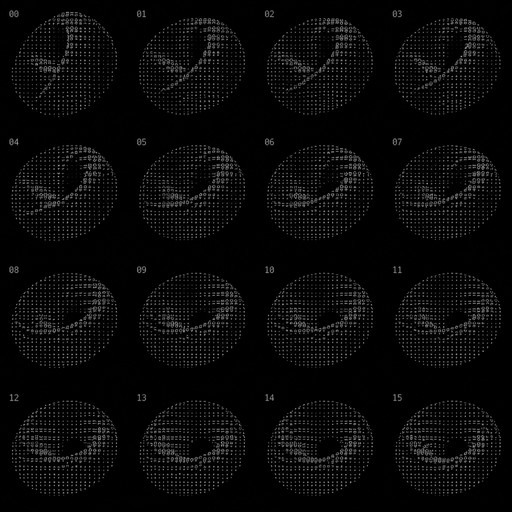
latent manifold, rotating, mesmerizing - video of recurrent behavior
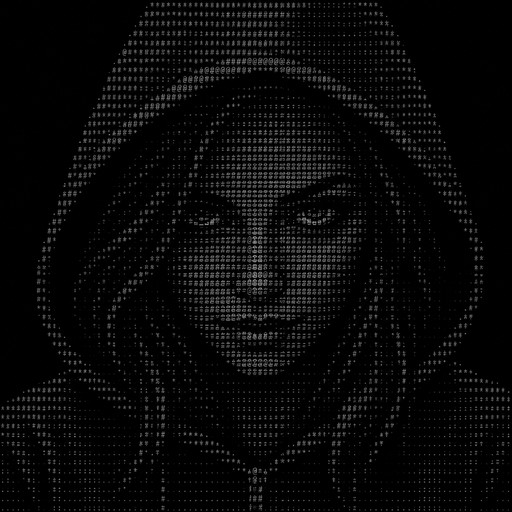
Female face, hacker minded
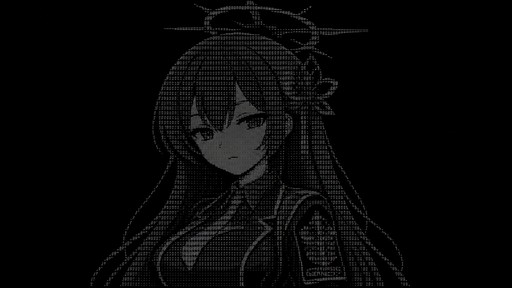
Reisa From Blue Archive
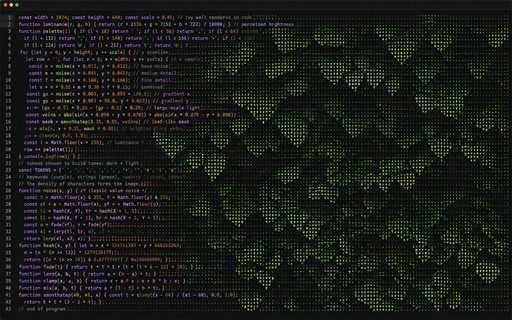
Pixel art forest scene with dense green foliage and shadowy woodland textures.
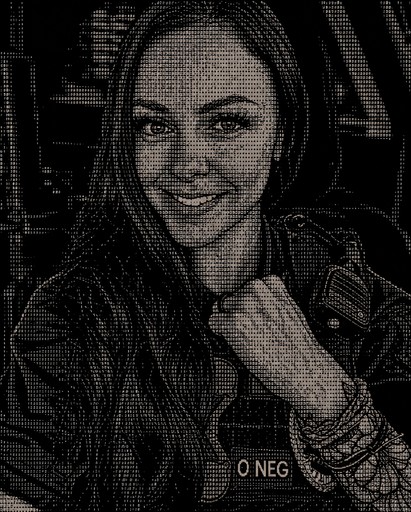
Black-and-white ASCII portrait of a smiling person wearing a jacket and necklace.
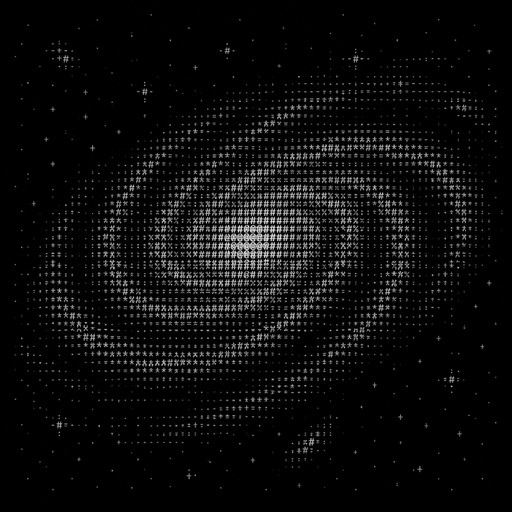
generate galaxy
Monochrome ASCII landscape depicting a mountain valley and winding river.
One studio. Every way to make text art.
Text to ASCII art
Type a few words and watch them render as text-character art in any of 48 styles.
> run_Photo to ASCII art
Upload any photo and convert it — classic keyboard characters, block shading, braille dots, and more.
> run_ASCII animation
Generate short clips from a prompt, or animate any ASCII artwork you've made into a video.
> run_Edit & upscale
Refine any creation with plain-English edits and upscale it up to 128 MP for print or wallpapers.
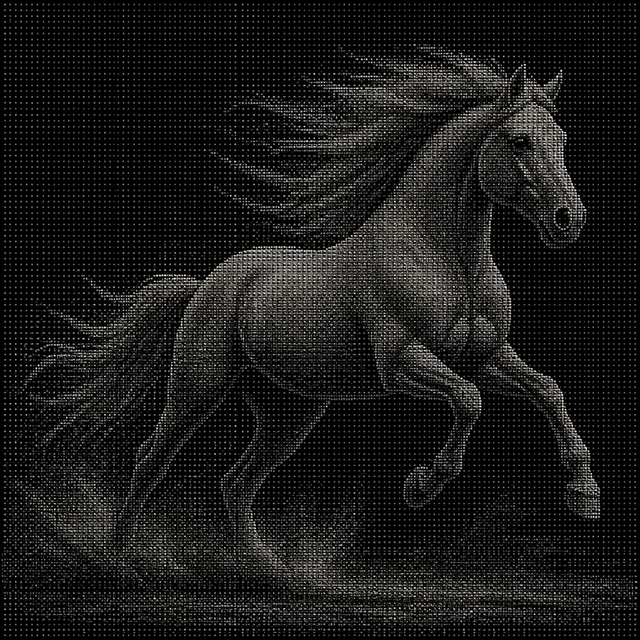
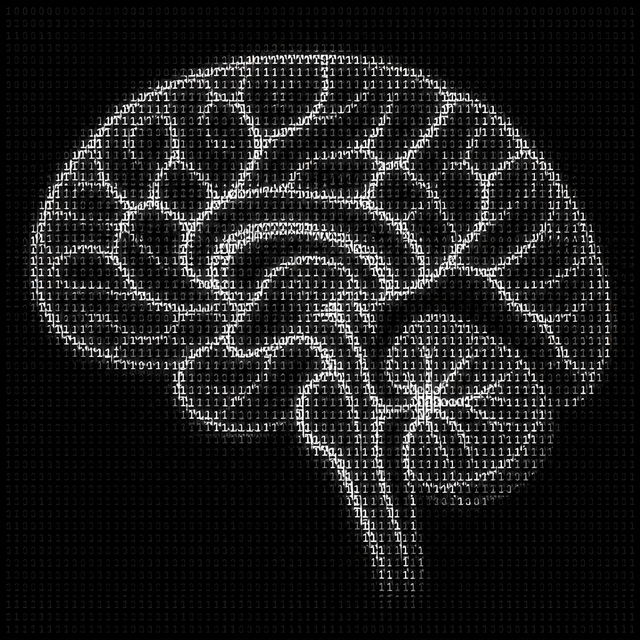
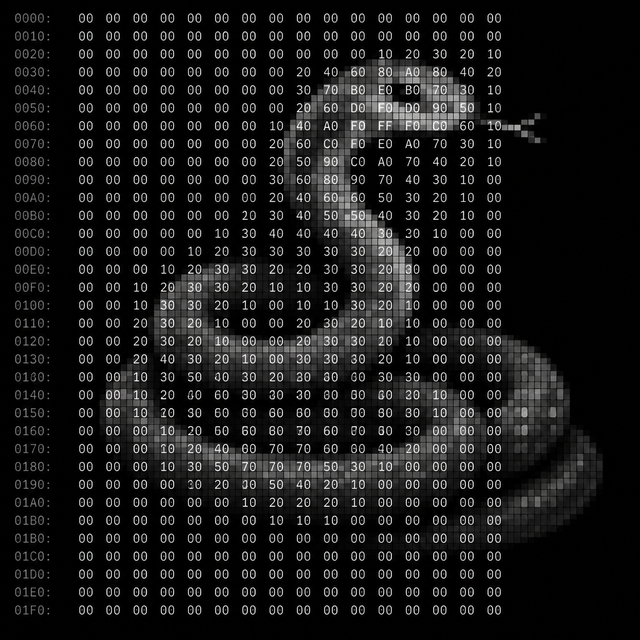
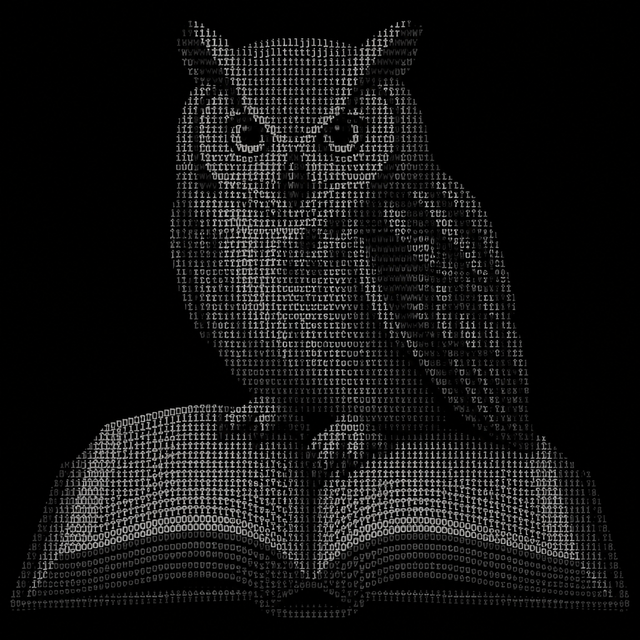
> run_~/styles48 ways to render text
ls styles/ →Classic keyboard characters, block shading, braille dots, green and amber phosphor, typewriter, digital rain, and 42 more. Every style works for prompts, photos, and video.
$ frequently asked questions
How does the AI ASCII art generator work?
Describe what you want in a few words, or upload a photo, and pick one of 48 styles — classic, block shading, braille dots, green phosphor, digital rain, and more. The AI renders your idea as a high-resolution ASCII art image in seconds. From there you can edit it with plain-English instructions, upscale it, or animate it into a short clip.
Is ASCII Art free?
Yes — sign in with Google and get 2 free credits, and nothing you make carries a watermark. A standard artwork costs 1 credit. To keep creating, Creator is $9/month for 250 credits and Pro is $29/month for 1,000, or grab a one-time pack: Starter ($12, 250 credits) or Mega ($40, 1,000 credits).
Is the output plain text or an image?
It's an image. Every result is a high-resolution picture that looks like ASCII or text-character art, which you download like any other artwork — it is not copy-pasteable text. That's what lets it hold fine shading, phosphor glow, and print-quality detail.
Can I turn a photo into ASCII art?
Absolutely. Upload any photo — a selfie, a pet, a landscape — choose a style like text portrait or block shading, and the AI re-draws it as an ASCII art image. You can then refine it with edits or upscale it up to 128 MP.
Can I animate my ASCII art?
Yes. Generate an ASCII-style video straight from a text prompt, or start from a photo and animate it into a short clip of 4 to 15 seconds. Video is billed per second, so you only pay for the length you choose.
Who owns what I make, and is it public?
You own everything you create. Creations appear in the public community feed by default; subscribers and pack buyers can make theirs private. See our Terms of Service for details. Since copyright law differs from country to country and we're not able to provide legal guidance, consult a lawyer about any specific use.