ASCII art editor
Made something close but not quite right? Tell the editor what you'd like changed in plain English — a different time of day, another character style, an extra element — and it renders a new version for you to compare. Then enhance any result up to 128 MP for prints, posters, and wallpapers. Edits cost 2 credits; upscales run 1 to 32 credits depending on size.
Open the editor →Open any artwork
Anything you've generated, from text or from a photo.
Describe the change
Write the instruction in plain English and render a new version.
Enhance
Upscale up to 128 MP when it's ready for print or wallpaper.
- ✦Plain-English editing — no layers or masks
- ✦Upscale up to 128 MP for print-quality output
- ✦Every version is saved, so you can compare
- ✦Edits from 2 credits, upscales from 1 credit
Made by the community
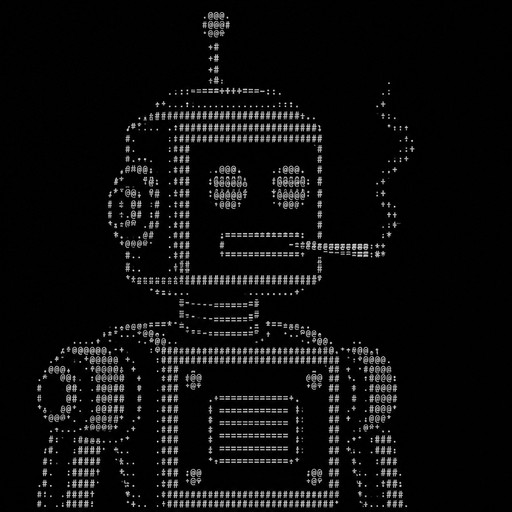
Robot with a cigarrete in its mouth
a green robot standing on top of a black surface

Robot ascii art style --v 6.1
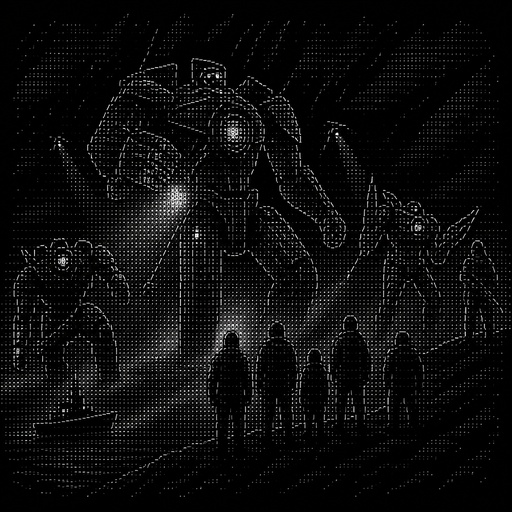
a group of people standing around a giant robot
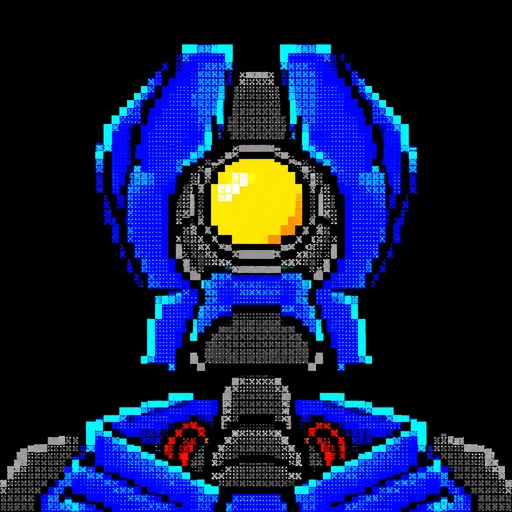
Blue and gray pixel art of a robot with a glowing yellow circular center.

Robot ascii art style --v 6.1

Robot ascii art style --v 6.1

Robot ascii art style --v 6.1
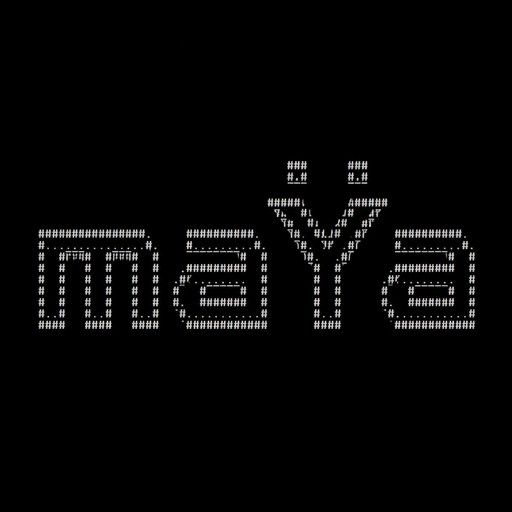
Create a clean, modern ASCII art wordmark that reads exactly: maŸa The word must be clearly readable as “maŸa”, with lowercase m, lowercase a, uppercase Ÿ, and lowercase a. Style: minimalist futuristic AI terminal / developer CLI branding. Make the Ÿ the distinctive visual element of the logo. The two dots (diaeresis) above the Y must be clearly visible, perfectly centered and separated from the Y, so they can later be displayed in a different color. Keep the design compact, elegant and professional — not retro, not playful, not cartoonish. Use block or geometric ASCII characters with clean straight lines. Prefer a maximum height of 5–7 terminal lines. Do not add borders, icons, robots, faces, decorative backgrounds, slogans or extra text. The final result should look like the startup/boot logo of a sophisticated AI system displayed in a terminal. IMPORTANT: The text must spell exactly “maŸa”. Do not change it to MAYA, maya, maYa or any other variation.