Crown ascii art style --v 6.1

Crown ascii art style --v 6.1

More from the community
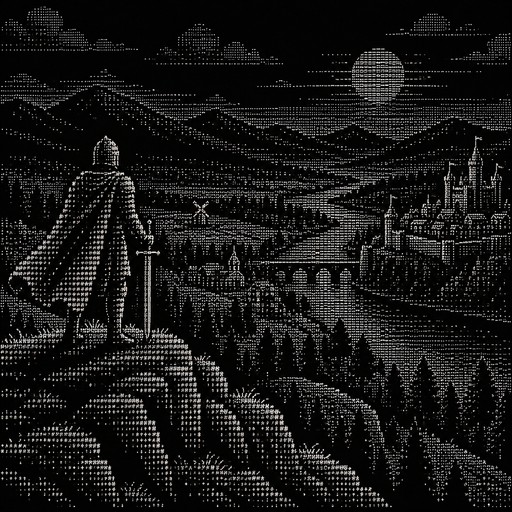
Chevalier en haut d'une colline qui voit un vaste paysage en dessous, avec des constructions et autre
Chevalier en haut d'une colline qui voit un vaste paysage en dessous, avec des constructions et autre

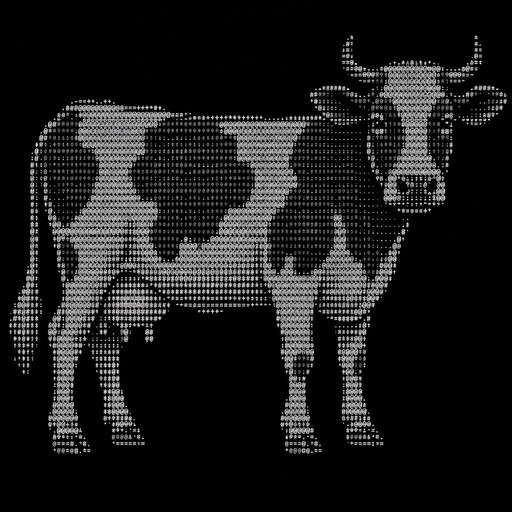
Vache
Vache

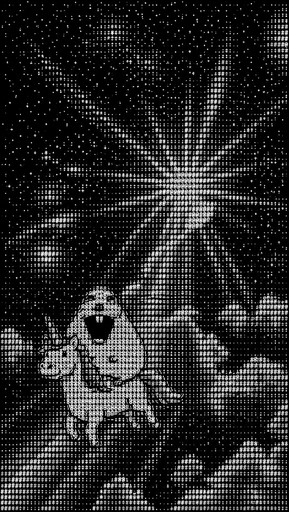
Monochrome ASCII art of a person beneath radiating beams and stars.
Monochrome ASCII art of a person beneath radiating beams and stars.

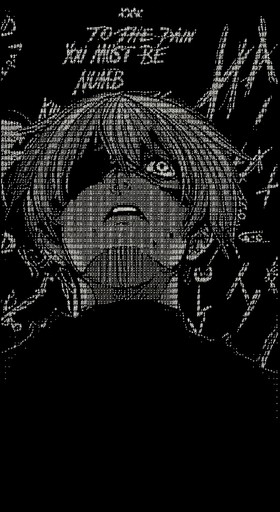
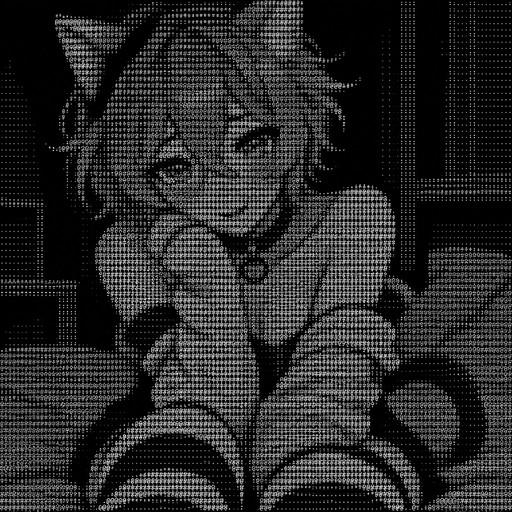
Monochrome ASCII-style portrait of a person with long hair and abstract symbols
Monochrome ASCII-style portrait of a person with long hair and abstract symbols

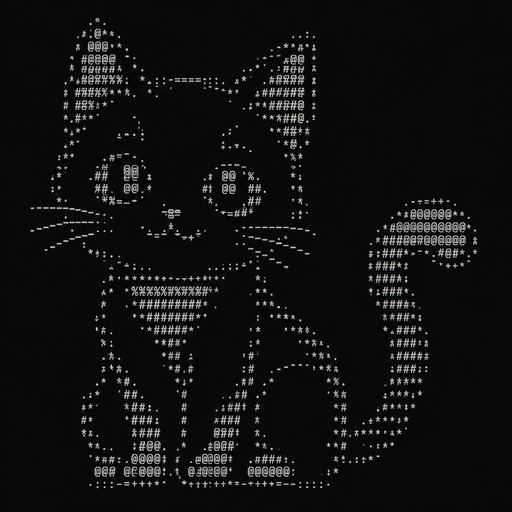
anime cat
anime cat

# language: Python, file: ascii_art.py
from PIL import Image

# Строка символов от тёмного к светлому
CHARS = "@%#*+=-:. "

def image_to_ascii(image_path, width=100):
    img = Image.open(image_path)
    # Сохраняем пропорции (символы выше, чем шире, поэтому делим высоту на 2)
    aspect = img.height / img.width
    height = int(aspect * width * 0.5)
    img = img.resize((width, height))
    img = img.convert("L")  # в оттенки серого

    pixels = img.getdata()
    ascii_str = ""
    for i, pixel in enumerate(pixels):
        # pixel от 0 (чёрный) до 255 (белый)
        # индекс в строке CHARS: 0 для чёрного, 9 для белого
        index = int(pixel / 255 * (len(CHARS) - 1))
        ascii_str += CHARS[index]
        if (i + 1) % width == 0:
            ascii_str += "\n"
    return ascii_str

print(image_to_ascii("femboy.jpg", width=80))

# language: Python, file: ascii_art.py from PIL import Image # Строка символов от тёмного к светлому CHARS = "@%#*+=-:. " def image_to_ascii(image_path, width=100): img = Image.open(image_path) # Сохраняем пропорции (символы выше, чем шире, поэтому делим высоту на 2) aspect = img.height / img.width height = int(aspect * width * 0.5) img = img.resize((width, height)) img = img.convert("L") # в оттенки серого pixels = img.getdata() ascii_str = "" for i, pixel in enumerate(pixels): # pixel от 0 (чёрный) до 255 (белый) # индекс в строке CHARS: 0 для чёрного, 9 для белого index = int(pixel / 255 * (len(CHARS) - 1)) ascii_str += CHARS[index] if (i + 1) % width == 0: ascii_str += "\n" return ascii_str print(image_to_ascii("femboy.jpg", width=80))
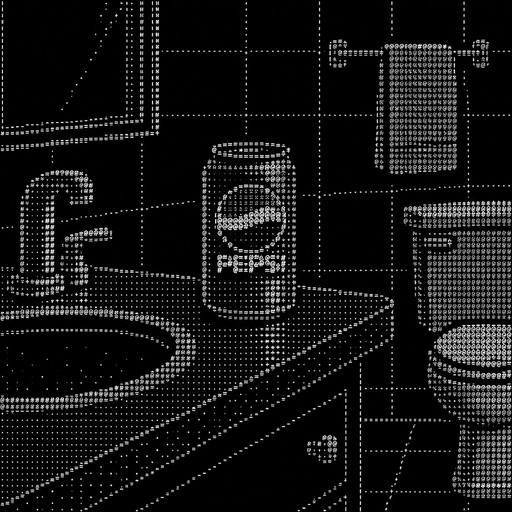
A Pepsi in a bathroom
A Pepsi in a bathroom

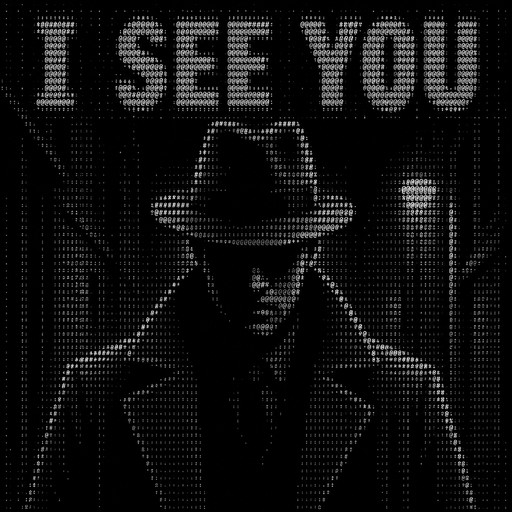
A mysterious detective in a dark coat and fedora, standing in the shadows, facing forward. A dark noir atmosphere, with the bold text “I SEE YOU” prominently displayed above him. Creepy psychological thriller aesthetic, high contrast, detailed ASCII art made entirely of keyboard characters, dramatic shadows, mysterious and unsettling mood. Make the text “I SEE YOU” clearly readable.
A mysterious detective in a dark coat and fedora, standing in the shadows, facing forward. A dark noir atmosphere, with the bold text “I SEE YOU” prominently displayed above him. Creepy psychological thriller aesthetic, high contrast, detailed ASCII art made entirely of keyboard characters, dramatic shadows, mysterious and unsettling mood. Make the text “I SEE YOU” clearly readable.

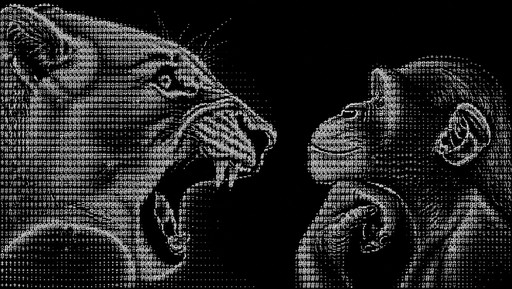
Monochrome ASCII art of a roaring lion facing a seated ape.
Monochrome ASCII art of a roaring lion facing a seated ape.

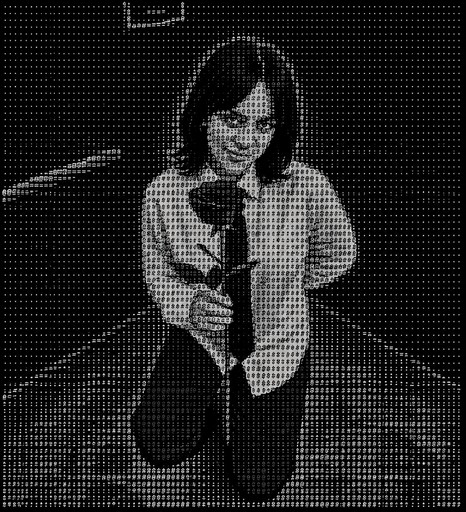
Monochrome ASCII-style image of a person holding a microphone onstage.
Monochrome ASCII-style image of a person holding a microphone onstage.

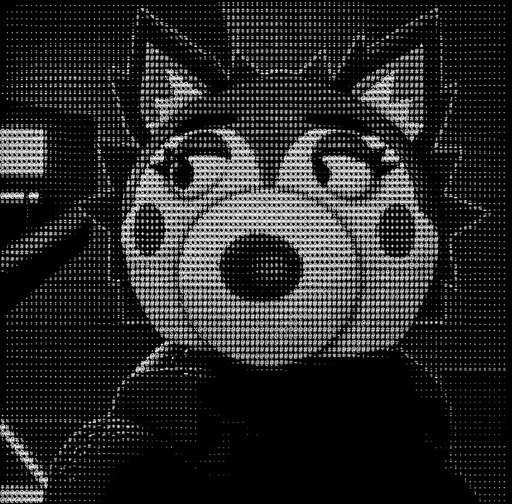
Monochrome ASCII-style portrait of a wide-eyed cartoon animal with pointed ears.
Monochrome ASCII-style portrait of a wide-eyed cartoon animal with pointed ears.

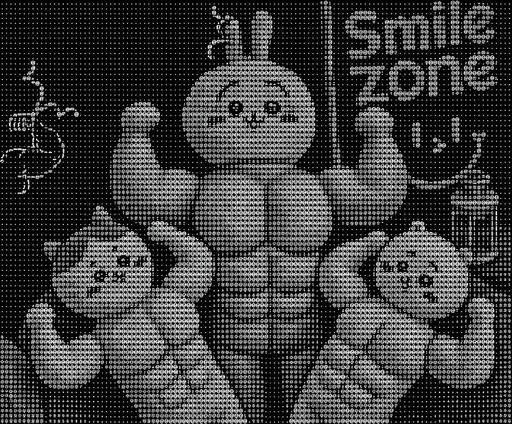
Grayscale ASCII art of a muscular cartoon rabbit posing beside smaller rabbits and text.

Grayscale ASCII art of a muscular cartoon rabbit posing beside smaller rabbits and text.