
ascii art --v 6.1
More from the community
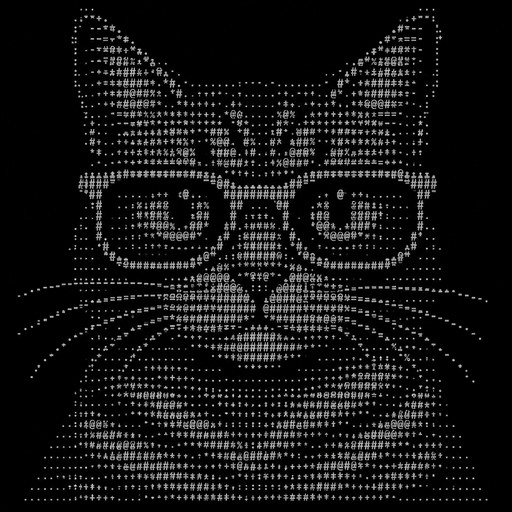
A cat wearing glasses
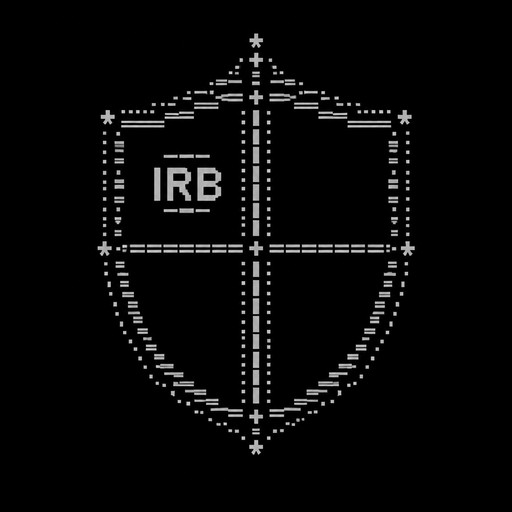
Create a symmetrical ASCII art heraldic shield for a Whiteout Survival alliance. The shield must be divided into four clearly separated panels of roughly equal size. - Panel 1: Put IRB clearly in the center. - Panels 2, 3 and 4: Leave them completely empty. These panels must have enough space for me to add my own emoticons later. - Make the shield clearly recognizable as a medieval warrior shield, with a strong, powerful alliance aesthetic. - Keep the design symmetrical, compact and visually clean. - Use only simple keyboard characters and symbols that are likely to be accepted in Whiteout Survival World Chat. - Do not add any words, letters, numbers or emoticons other than IRB. - Do not fill the three empty panels with decorative symbols. - The entire ASCII design must be no more than 180 characters in total, including spaces, line breaks and symbols. - Keep each line relatively short so the design does not become distorted in World Chat. - The final result should look like a genuine alliance emblem, not random ASCII characters.
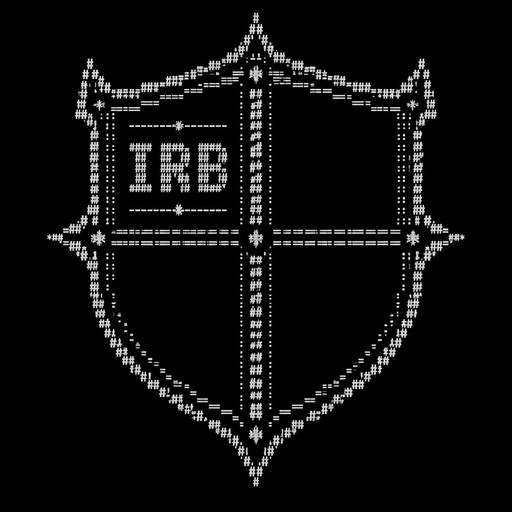
Create a symmetrical ASCII art heraldic shield for a Whiteout Survival alliance. The shield must be divided into four clearly separated panels/sections of roughly equal size. - Panel 1: Put IRB clearly in the center. - Panels 2, 3 and 4: Leave them completely empty. These panels must have enough space for me to add my own emoticons later. - Make the shield clearly recognizable as a medieval/warrior shield, with a strong and slightly intimidating alliance aesthetic. - Keep the design symmetrical and visually clean. - Use only simple keyboard characters and symbols that are likely to work in an in-game chat. - Do not add any words, letters, numbers or emoticons other than IRB. - Do not fill the empty panels with decorative symbols. - Make the shield compact enough to fit comfortably in a game world chat. - The final result should look like a genuine alliance emblem rather than random ASCII characters.
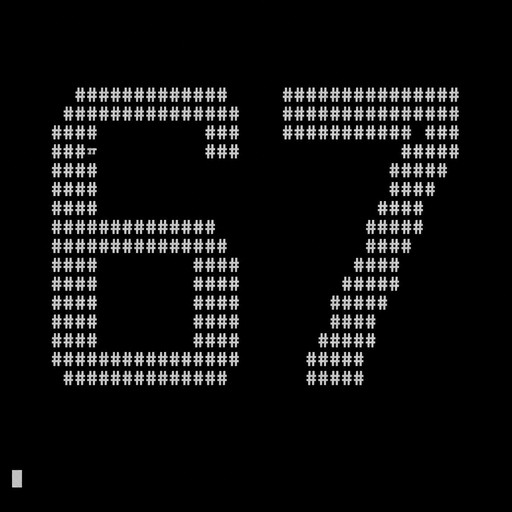
67
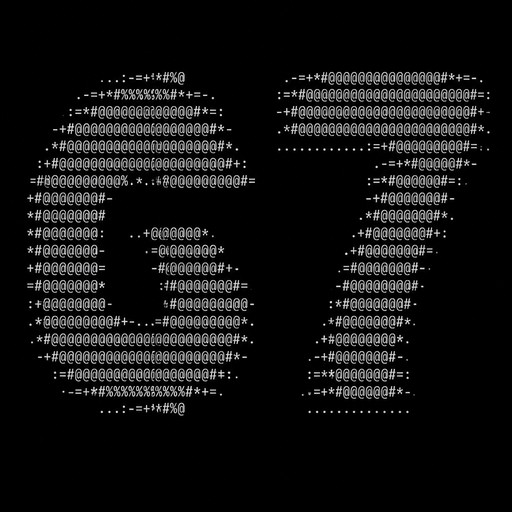
67
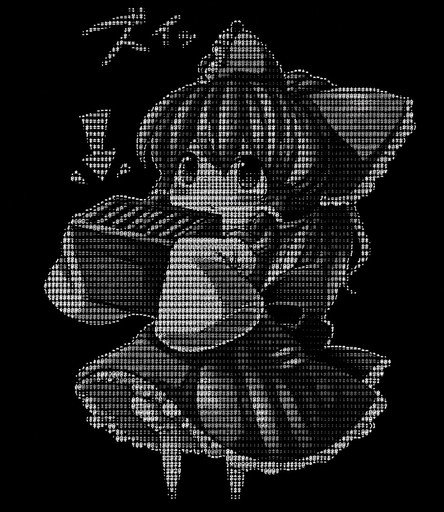
Grayscale ASCII art of a person holding a striped box with an arrow above it.
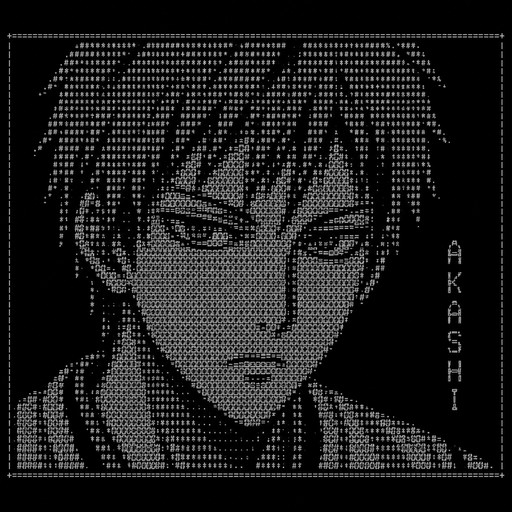
Создай ASCII-арт персонажа Сейджуры Акаши из аниме «Куроку» высотой 26 строк, ширина до 100 символов. Используй только указанные символы: :(,/).-|\'"=. Прямоугольная форма, четкие границы.
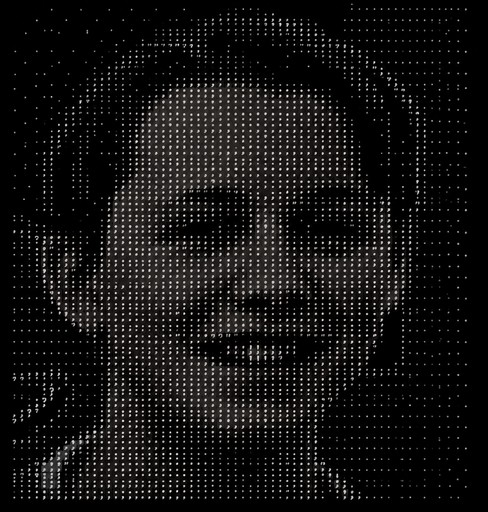
Monochrome ASCII portrait of a smiling person against a dark background
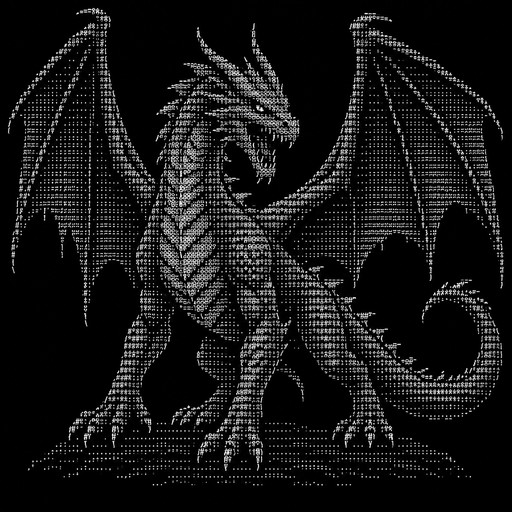
A highly detailed realistic fantasy dragon, full body, front-facing three-quarter view, large clearly recognizable dragon head, two sharp horns, glowing eyes, open mouth with visible sharp teeth, large powerful wings spread wide on both sides, muscular neck and body, four legs with sharp claws, long curved dragon tail, scales and strong silhouette. Make it unmistakably a DRAGON, not a dog, wolf, dinosaur, snake, monster or humanoid. Create it as clean terminal-compatible ASCII art using only standard keyboard characters such as / \ _ | ( ) < > ^ # * + - =. No emoji, no Unicode blocks, no colored symbols. Keep the entire artwork compact enough for a 52-column terminal and preserve the dragon's recognizable shape.
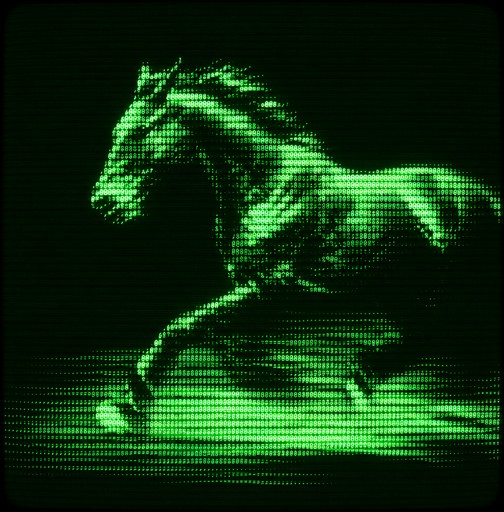
Green monochrome pixel art of a horse leaping across a glowing field
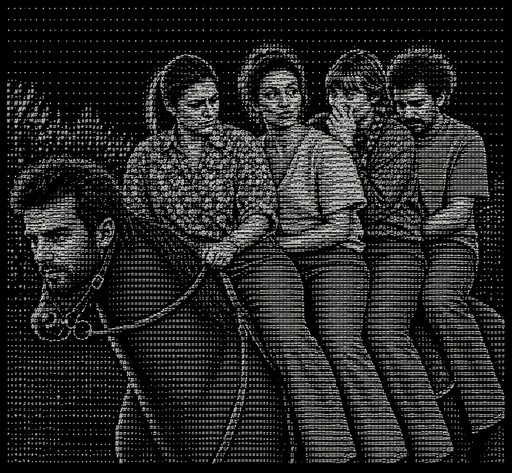
ASCII-style monochrome scene of four people riding a horse together
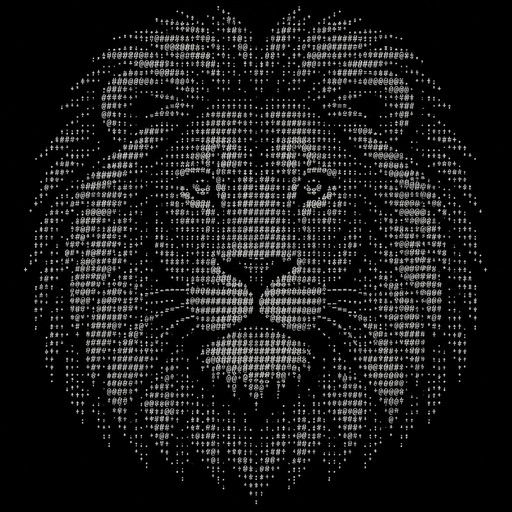
a lion head, classic ASCII