ANSI Color ASCII art generator
Classic 16-color terminal glyphs
ANSI color ASCII art uses the classic 16-color terminal palette, painting each glyph cell in bold reds, greens, blues, and cyans on black. Saturated and graphic, it's the look of colorful terminal screens and text-mode games.
Prompt ideas
Community ansi color art
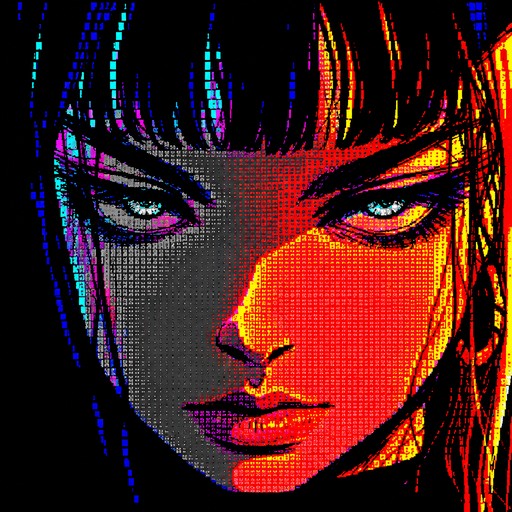
Colorful ASCII-style portrait of a person with vivid red, blue, and yellow shading.

Blue and gray pixel art of a robot with a glowing yellow circular center.
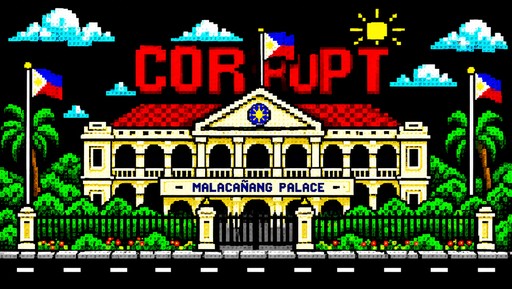
Colorful pixel art of a palace with palm trees and a bright sun
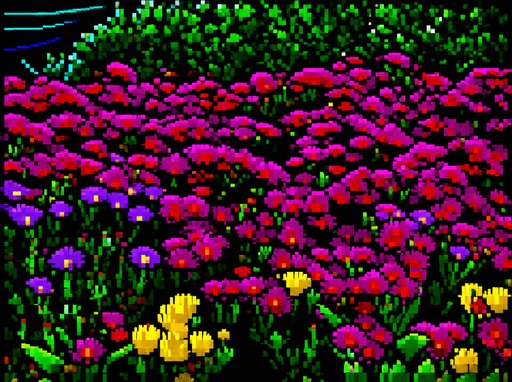
Colorful pixel art meadow filled with vibrant pink, purple, yellow, and green flowers.

Colorful pixel-art portrait of a person with neon swooping text and sparkling accents.
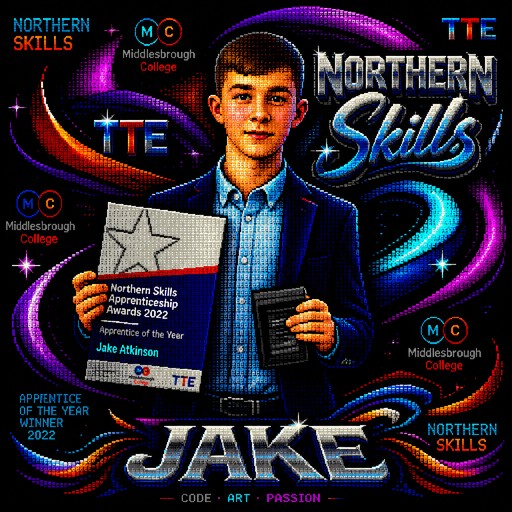
ASCII-style portrait of a person holding an award plaque with colorful Northern Skills graphics
Xong bxvk

Pixel art fishing game scene with a person, lake, mountains, trees, and colorful text.
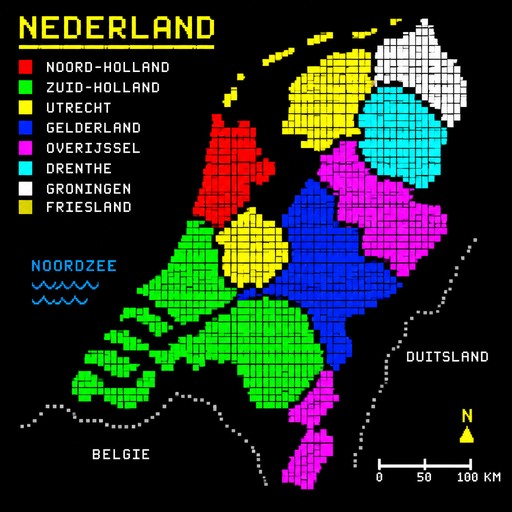
map of the netherlands
a knight in armor holding a sword, medieval ASCII art, block shading style, monochrome, dramatic lighting

Design a professional minimalist logo for a command-line tool that remotely controls Termux through Telegram. Core concept: * Create a single unified geometric symbol centered around the letter "T". * The "T" should subtly represent both "Termux" and "Telegram", emphasizing their shared initial. * Integrate a very minimal terminal/CLI element such as ">_" into the structure of the symbol. * Incorporate a simplified abstract Telegram paper-plane shape, but do NOT copy the official Telegram logo directly. * Add a subtle visual element representing remote control, command transmission, or bidirectional communication, such as a small arrow, signal lines, or command flow. * The result should communicate: T + Terminal + Telegram + Remote Control. Visual direction: * Extremely simple and recognizable. * One compact symbol, not multiple separate icons. * Strong geometric shapes. * Clean vector-style logo. * Modern developer/CLI identity. * Professional, technical, slightly futuristic. * Minimal details. * No text. * No words. * No gradients. * No realistic objects. * No 3D. * No shadows. * No unnecessary decorations. * Must remain recognizable at very small sizes. * Suitable for a terminal CLI banner, GitHub repository, favicon, and application icon. Composition: A single compact emblem where the "T" is the dominant visual element, with terminal and communication/control concepts subtly integrated into the negative space and geometry. Color: Monochrome black and white initially. The logo must work perfectly as a single-color icon. Style: Minimalist geometric tech logo, flat vector, strong silhouette, clever negative space, iconic, memorable, clean, premium software branding.
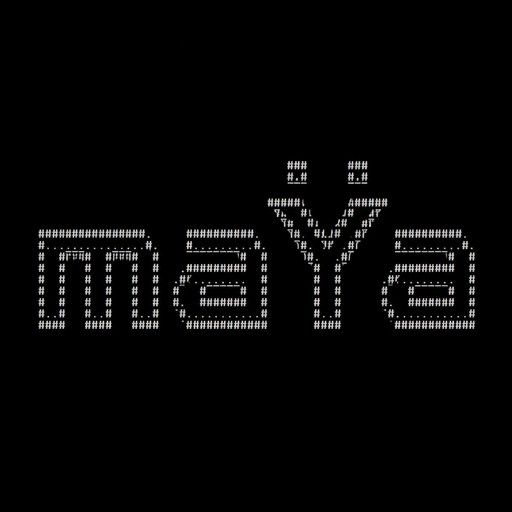
Create a clean, modern ASCII art wordmark that reads exactly: maŸa The word must be clearly readable as “maŸa”, with lowercase m, lowercase a, uppercase Ÿ, and lowercase a. Style: minimalist futuristic AI terminal / developer CLI branding. Make the Ÿ the distinctive visual element of the logo. The two dots (diaeresis) above the Y must be clearly visible, perfectly centered and separated from the Y, so they can later be displayed in a different color. Keep the design compact, elegant and professional — not retro, not playful, not cartoonish. Use block or geometric ASCII characters with clean straight lines. Prefer a maximum height of 5–7 terminal lines. Do not add borders, icons, robots, faces, decorative backgrounds, slogans or extra text. The final result should look like the startup/boot logo of a sophisticated AI system displayed in a terminal. IMPORTANT: The text must spell exactly “maŸa”. Do not change it to MAYA, maya, maYa or any other variation.