@keenbasilisk248
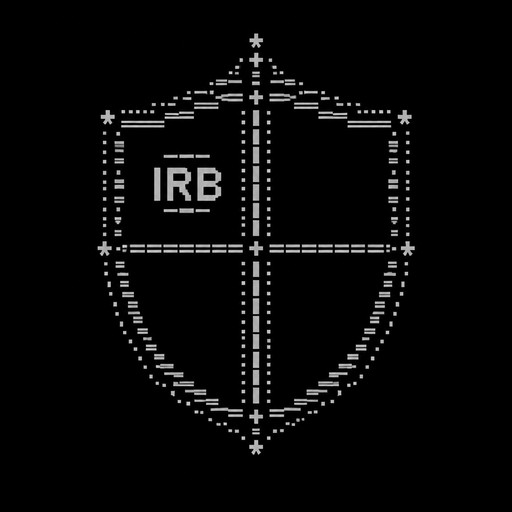
Create a symmetrical ASCII art heraldic shield for a Whiteout Survival alliance. The shield must be divided into four clearly separated panels of roughly equal size. - Panel 1: Put IRB clearly in the center. - Panels 2, 3 and 4: Leave them completely empty. These panels must have enough space for me to add my own emoticons later. - Make the shield clearly recognizable as a medieval warrior shield, with a strong, powerful alliance aesthetic. - Keep the design symmetrical, compact and visually clean. - Use only simple keyboard characters and symbols that are likely to be accepted in Whiteout Survival World Chat. - Do not add any words, letters, numbers or emoticons other than IRB. - Do not fill the three empty panels with decorative symbols. - The entire ASCII design must be no more than 180 characters in total, including spaces, line breaks and symbols. - Keep each line relatively short so the design does not become distorted in World Chat. - The final result should look like a genuine alliance emblem, not random ASCII characters.
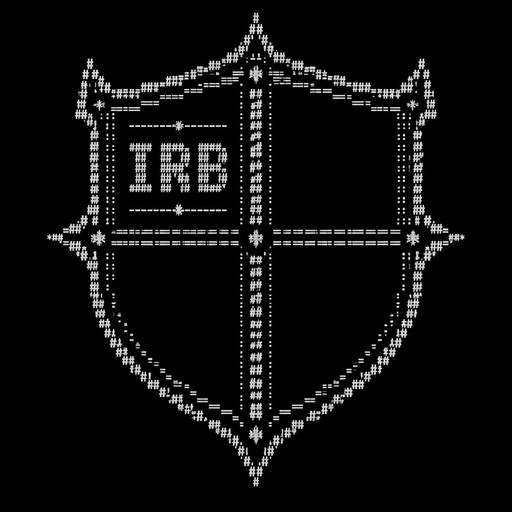
Create a symmetrical ASCII art heraldic shield for a Whiteout Survival alliance. The shield must be divided into four clearly separated panels/sections of roughly equal size. - Panel 1: Put IRB clearly in the center. - Panels 2, 3 and 4: Leave them completely empty. These panels must have enough space for me to add my own emoticons later. - Make the shield clearly recognizable as a medieval/warrior shield, with a strong and slightly intimidating alliance aesthetic. - Keep the design symmetrical and visually clean. - Use only simple keyboard characters and symbols that are likely to work in an in-game chat. - Do not add any words, letters, numbers or emoticons other than IRB. - Do not fill the empty panels with decorative symbols. - Make the shield compact enough to fit comfortably in a game world chat. - The final result should look like a genuine alliance emblem rather than random ASCII characters.