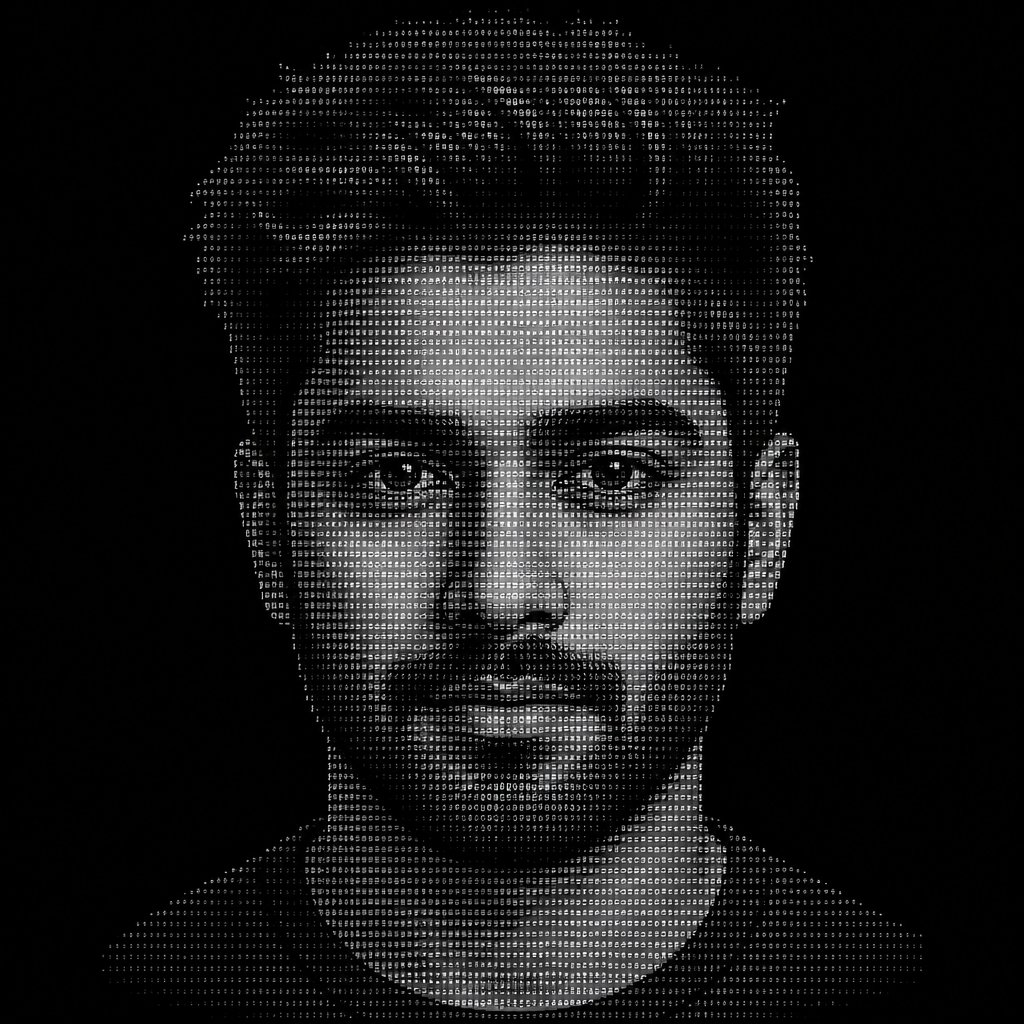
Convert this portrait into ASCII art. Make it dense with a wide range of shading characters (use symbols like @ % # * + = - : . from darkest to lightest) to ca…
@sharpelf483More from the community
image-to-ascii
image-to-ascii
ascii art --v 6.1
ascii art --v 6.1
ascii art --v 6.1
ascii art --v 6.1
Monochrome ASCII art portrait of a smiling person’s face.
Monochrome ASCII art of a person in shadow with hands clasped.
Convert this portrait into ASCII art. Make it dense with a wide range of shading characters (use symbols like @ % # * + = - : . from darkest to lightest) to capture smooth tonal gradients. Preserve strong contrast in the eyes, eyebrows, nose shadow, beard, and hairline so facial features stay sharp and recognizable — don't flatten them into uniform gray blocks. Keep the background empty/blank with minimal or no characters. Maintain the original aspect ratio without stretching or distorting the face.
Monochrome ASCII art of a rearing horse-like animal in a forest.
Monochrome ASCII art of a spider with outstretched legs.
Grayscale ASCII art portrait of a classical sculpture head and shoulders